Design Studio
Approach:
- Research and Analysis:
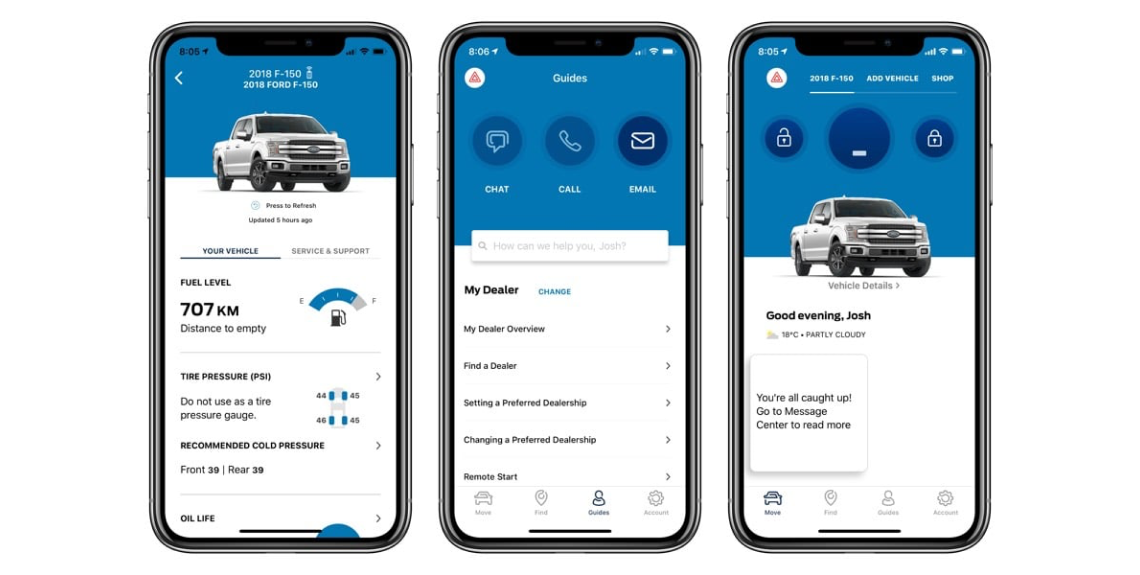
- Gathered existing user research, analytics, and feedback on accessing in-vehicle data within the app.
- Identified pain points and preferences through surveys, usability testing, and user interviews.
- Understanding User Needs:
- Collaborated with product teams and UX researchers to understand user behaviors and needs.
- Mapped user scenarios and tasks associated with accessing in-vehicle data.
- Design Ideation:
- Brainstormed and conceptualized various design approaches to improve accessing in-vehicle data within the app.
- Focused on intuitive interfaces and efficient data presentation for enhanced usability.
- Wireframing and Prototyping:
- Translated selected design concepts into wireframes and interactive prototypes.
- Emphasized streamlined navigation and improved data presentation for in-vehicle information.
- Iterative Testing and Validation:
- Conducted usability testing with a user group to validate the redesigned in-vehicle data access feature.
- Collected feedback on usability, information clarity, and overall user satisfaction.
- Refinement and Implementation:
- Incorporated user feedback to refine the design iteratively.
- Collaborated with the development team to implement the updated in-vehicle data access feature.
- Monitoring and Optimization:
- Monitored user interactions, collected further feedback, and analyzed metrics post-implementation.
- Continuously optimized the feature based on usage data and user input.
Results:
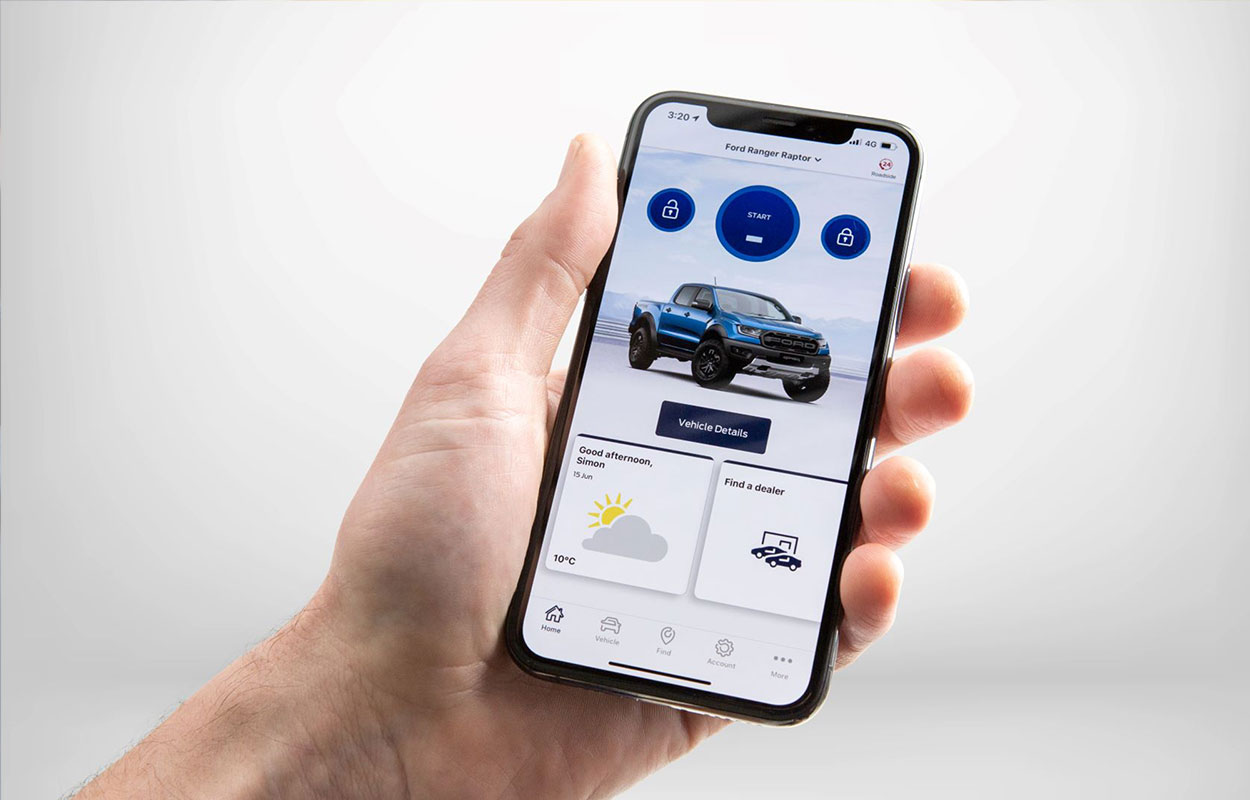
- Improved User Experience: The redesigned feature for accessing in-vehicle data offered a more intuitive and user-friendly interface, leading to increased user satisfaction and easier access to relevant vehicle information.
- Enhanced Navigation: Users reported smoother navigation and quicker access to in-vehicle data, streamlining their interactions within the FordPass app.
- Positive Feedback: Usability testing demonstrated substantial improvements in user experience metrics, showcasing higher satisfaction rates and reduced time to access in-vehicle information.
Conclusion: Through a collaborative and user-centric design approach, our team successfully revamped the in-vehicle data access feature within the FordPass app. This provided Ford vehicle owners with a more efficient and enjoyable way to access their vehicle information. Continuous monitoring and optimization ensured that the feature aligned with user needs, contributing to a more seamless user experience within the FordPass ecosystem.
You can view the demo here: